
Best Survey Tools for Creative Studios
Great design starts long before the first line, curve or pixel. The work that really speaks to people is almost always built on something deeper than pure intuition – it’s built on insight.
Client interviews and workshops help, but they don’t always scale. That’s where online surveys come in. A well-designed questionnaire lets you hear from dozens (or thousands) of people at once, spot patterns you’d never see in 1:1 calls, and back creative decisions with real data instead of guesswork.
In this article, we’ll look at how a design studio can use surveys throughout a project and compare five survey platforms that work especially well for creative teams: SurveyMonkey, SurveyNinja, SurveyPlanet, Typeform, and Tally.
Why Design Studios Should Care About Surveys
Whether you’re creating a new brand identity, redesigning a website or planning a product launch campaign, surveys can support every stage of the process.
- Smarter discovery
Instead of relying only on what a single stakeholder thinks their audience wants, send a short survey to:
- existing customers
- newsletter subscribers
- social followers
Ask what they associate with the brand today, what frustrates them and which competitors they already know. This gives the team a reality check before anyone starts sketching.
- Testing ideas before you commit
Exploratory visual concepts, taglines, landing page variants – all of these can be tested quickly with simple image-choice or A/B style survey questions. You don’t need lab-level UX research to learn which option resonates more with a real audience.
- Measuring impact after launch
Post-launch surveys help prove that design isn’t “just pretty pictures.” You can track:
- brand recognition (“Which of these brands do you recall seeing online in the last month?”)
- clarity of messaging
- satisfaction with the new website or app
When you report those numbers back to clients, design work becomes easier to defend, upsell and iterate.
What a Good Survey Tool Looks Like for Creatives
Not every survey platform fits how design studios work. When choosing tools for design-driven projects, it usually makes sense to focus on:
- Ease of use. Questionnaires should be up and running in minutes, not days.
- Visual customization. The survey shouldn’t clash with the brand you just crafted. Colors, typography and logo placement matter.
- Collaboration. Strategists, designers and account managers all need to see results and comments.
- Response limits. If a campaign goes viral, you don’t want to be blocked by a tiny response cap.
- Integrations. Connecting data to Google Sheets, Slack, or a project management tool keeps everything in one workflow.
With that in mind, here’s a practical top-5 list of survey tools that work well for creative agencies and studios — from research-heavy brand studies to fast client check-ins.
Top 5 Survey Tools for Creative Studios
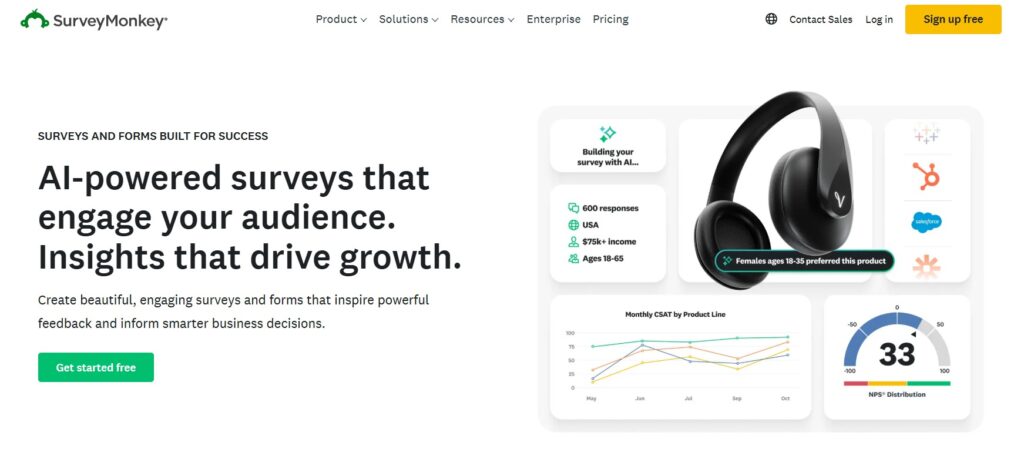
SurveyMonkey is one of the most established survey platforms on the market. It is widely used by enterprises, universities, research teams, HR departments, and marketing teams that need more than a simple feedback form.
For creative studios, SurveyMonkey makes the most sense when the project has serious research requirements: a large rebrand, a multi-market campaign, a stakeholder study, customer segmentation, brand tracking, or a project where reporting quality matters as much as the survey itself.
SurveyMonkey’s current public positioning highlights AI-assisted survey creation, expert templates, customer and employee feedback, market research, event registration, and access to a global audience panel. Its pricing pages also show that more advanced collaboration and reporting features are concentrated in paid plans, with team plans starting at multiple users and paid response limits depending on the plan.
For design studios, SurveyMonkey shines when:
- the client expects formal research rather than quick feedback;
- you need advanced logic, branching, randomization, or reporting;
- several stakeholder groups need to be compared;
- the findings will be used in a client presentation, brand strategy document, or executive report;
- compliance, reliability, and enterprise familiarity matter.
The downside is complexity and cost. If a studio only needs a quick concept test or a mid-project client pulse check, SurveyMonkey can feel heavier than necessary. But for serious brand research, it is still a safe, professional choice.
SurveyNinja is a survey and quiz builder designed for teams that need structured feedback without making the research process feel complicated. For creative studios, it sits in the practical middle of this list: more capable than a simple form tool, easier to adopt than heavy enterprise research software, and more research-focused than a purely conversational form builder.
It works especially well when a studio needs to run several kinds of surveys across active projects: discovery questionnaires, brand perception surveys, concept tests, client feedback forms, post-launch surveys, and quick internal checks.
SurveyNinja’s public site highlights templates, a simple survey creation flow, sharing by link, website embedding, email invitations, QR codes, adaptive design, analytics, integrations, AI survey builder, API, documentation, MCP Server, and Enterprise options. Its pricing page currently lists a free plan and paid plans, with Basic starting at $10.50/month when billed annually and including 10 surveys per account, 1,000 responses per month, 30 questions per survey, and 10,000 views per month.
Why it works well for designers and branding teams:
- Structured feedback without heavy setup. Studios can create surveys, quizzes, and feedback forms without turning every research task into a separate production project.
- Logic and analytics. Branching helps keep surveys relevant, while analytics and exports help teams turn responses into decisions.
- AI-assisted survey creation. Useful when strategists or designers need help turning a research goal into clearer, less biased questions.
- Good fit for repeated studio workflows. Brand discovery, post-launch feedback, client satisfaction, course feedback, audience research, and website feedback can all live in one platform.
- Practical pricing for small teams. The limits are easier to plan around than vague “enterprise only” pricing.
For a studio running several projects at once, SurveyNinja is often the most balanced choice. It is strong enough for serious feedback collection but simple enough for day-to-day use.
SurveyPlanet is a lightweight survey tool for moments when speed matters more than deep research features. It is useful for small feedback loops inside a creative project: quick client check-ins, internal team opinions, small workshop follow-ups, or simple preference surveys.
For design teams, SurveyPlanet is handy when:
- you need a small “pulse check” during a project;
- the client’s team needs to vote on a direction;
- you want feedback on a presentation, workshop, or early design concept;
- you do not need complex logic, integrations, or advanced reporting;
- you want something simple enough for non-technical stakeholders.
The advantage is clarity. SurveyPlanet is not trying to be an enterprise research suite or a high-end interactive content platform. It is better for the everyday situations where the studio simply needs answers fast.
The trade-off is depth. Analytics, integrations, and advanced logic are more limited compared with SurveyMonkey or SurveyNinja. Use SurveyPlanet when the question is simple and the decision is near-term.
If your studio’s entire pitch is built around the idea that how something feels matters as much as what it does, Typeform is the survey tool that lives by the same principle.
Typeform is known for its one-question-at-a-time format, polished visual presentation, smooth transitions, and strong respondent experience. That makes it useful when the survey itself must feel like part of the studio’s brand experience, not just a data collection form.
For concept testing and brand perception surveys, Typeform’s visual approach can be especially useful. A studio can show logo options, color directions, homepage layouts, packaging concepts, or mood board excerpts and ask respondents which version feels more premium, trustworthy, bold, friendly, modern, or clear.
Typeform also supports visual customization and conversational logic. Its pricing page notes response limits by plan, while Typeform’s free plan documentation states that free accounts can create unlimited typeforms but collect 10 responses per month across all typeforms.
Where it earns its place in a creative studio’s toolkit:
- visual-heavy concept testing;
- brand perception studies;
- client-facing questionnaires where presentation quality matters;
- lead-generation surveys that need to feel smooth and premium;
- guided forms where one question at a time improves focus.
The honest trade-off is price and limits. Typeform is strong when the quality of each response matters, but frequent surveys or high response volume can become expensive. For high-stakes concept testing, that may be justified. For everyday internal feedback, it may be more tool than needed.
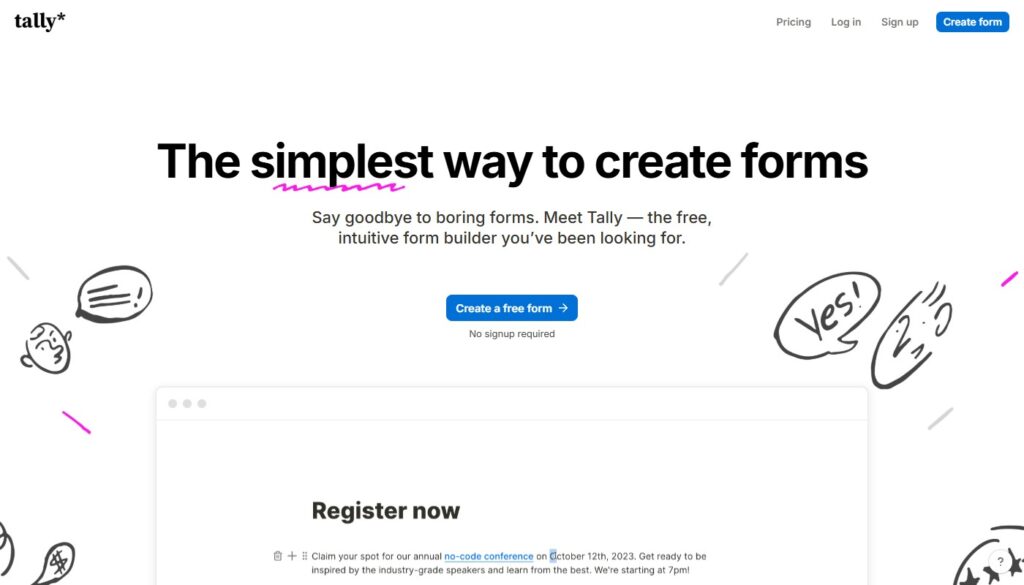
Tally is the simplest tool in this list, and that is exactly why many designers like it. It uses a document-style editor: you build a form almost the same way you would write a note. Add a question, press Enter, add the next block, and keep going.
This makes Tally especially useful for situations where the survey should feel lightweight and human rather than formal or corporate.
Tally’s public pricing page says it gives users unlimited forms and submissions for free, within fair usage guidelines. Its help documentation also says that creating forms is free and that most features are available without limits on the number of forms, submissions, or questions. Paid plans add power features: Tally Pro is listed at $29/month, while Tally Business is listed at $89/month.
Where it fits in studio work:
- internal retrospectives;
- quick client check-ins;
- post-workshop feedback;
- new client onboarding forms;
- project intake questionnaires;
- small team votes;
- simple satisfaction surveys after a project milestone.
The honest trade-off is research depth. Tally is not the right choice for a large brand tracking study or advanced cross-tab analysis. Use it for speed, simplicity, and human-feeling feedback. Reach for SurveyNinja or SurveyMonkey when the research gets more serious.
How Creative Teams Can Use These Tools in Real Projects
To make this less abstract, here’s how surveys can sit inside a typical branding or web design project flow.
| Project Stage | Goal | Best Tools in This List | What You Ask / Measure | How It Helps the Design Team |
| Brand discovery questionnaire | Understand how the brand is currently perceived and what needs to change | SurveyNinja, SurveyMonkey | What three words describe the current brand? Which competitor brands do you trust most – and why? What frustrates you in the current website or visual identity? | Aligns stakeholders, reveals hidden issues and misconceptions before moodboards or wireframes start. |
| Concept testing mini-survey | Compare early visual or messaging directions | SurveyPlanet, SurveyNinja | Show logo or homepage variants and ask which feels more trustworthy, innovative, premium, friendly | Replaces endless meetings with quick, structured feedback from real users or internal teams. |
| Post-launch feedback | Measure the impact of the new brand or website | SurveyNinja, SurveyMonkey | NPS-style or satisfaction questions about clarity of the offer, ease of navigation, overall impression of the brand | Provides numbers for case studies and proves that the new design genuinely improved perception and usability. |
| Visual concept testing (design-led) | Make the survey itself feel as polished as the work it’s evaluating | Typeform | Show logo, color palette, or layout variants; ask which feels more premium, approachable, or contemporary | Increases response quality — clients engage more seriously when the survey looks intentional, not thrown together |
| Mid-project client check-in | Keep communication structured without scheduling a call | Tally | How confident are you in the direction so far? (1–5) / Anything you’d want to revisit before we move forward? | Catches misalignment early, documents client input at each stage, reduces scope-creep disputes |
Final Thoughts: Design That Listens First, Speaks Second
Great creative work doesn’t happen in a vacuum. It’s a conversation between brand, audience and designers — and surveys give that audience a clear voice in the process.
Five tools, five different situations:
- SurveyMonkey is the safe, serious choice for research-heavy projects where compliance, advanced logic and executive-ready reporting matter more than speed or cost. If the brief involves a healthcare rebrand or a multi-market brand study, it earns its place.
- SurveyNinja sits in the practical middle of this list — flexible enough for complex branching and collaboration, affordable enough that you don’t need a big budget to unlock the good features. No response limits on higher plans means it scales with campaigns without surprise billing. For studios running several active projects at once, it covers the most ground.
- SurveyPlanet is the zero-friction option. When a client asks for a quick temperature check mid-project, or when you need internal input from a small team before a presentation, SurveyPlanet gets you from idea to live link in five minutes. It won’t replace a research platform, but it doesn’t try to.
- Typeform is the tool you reach for when the survey itself needs to reflect your studio’s standards. One-question-at-a-time flows, image-choice blocks, and a visual finish that holds up next to client-facing deliverables. The cost-per-response calculus matters here — but for high-stakes concept testing, the quality of response it generates can be worth the premium.
- Tally is what you recommend when someone asks “what’s the simplest thing that actually works.” Free, fast, document-like in feel. It won’t impress anyone with its feature list — but it collects honest input without getting in the way, which is often exactly what a mid-project check-in needs.
No single tool wins across all five situations. The studios that collect the best client insight aren’t the ones with the most sophisticated platform — they’re the ones that ask the right questions at the right moment in the project. Pick the tool that gets out of the way and lets the questions do the work.